For Event Creators : Event Management : Budgeting : Vendor Projects & Expenses
OurStoryz lets you link your assigned Vendors to your budget. This is useful if you have selected a specific vendor and agreed on price, making your budget more realistic. To associate a Vendor Project with a budget line item, just select the edit icon under the Projects column:

Note that if you don't have a project, you can select "New Project" to initiate one. For more on creating Vendor projects, see Create Vendor Projects.
Viewing Budget Information in Projects
Projects with associated line items have additional elements letting you see the budgets they are associated with. The following image shows a Project with 3 line items linked from an overall budget.
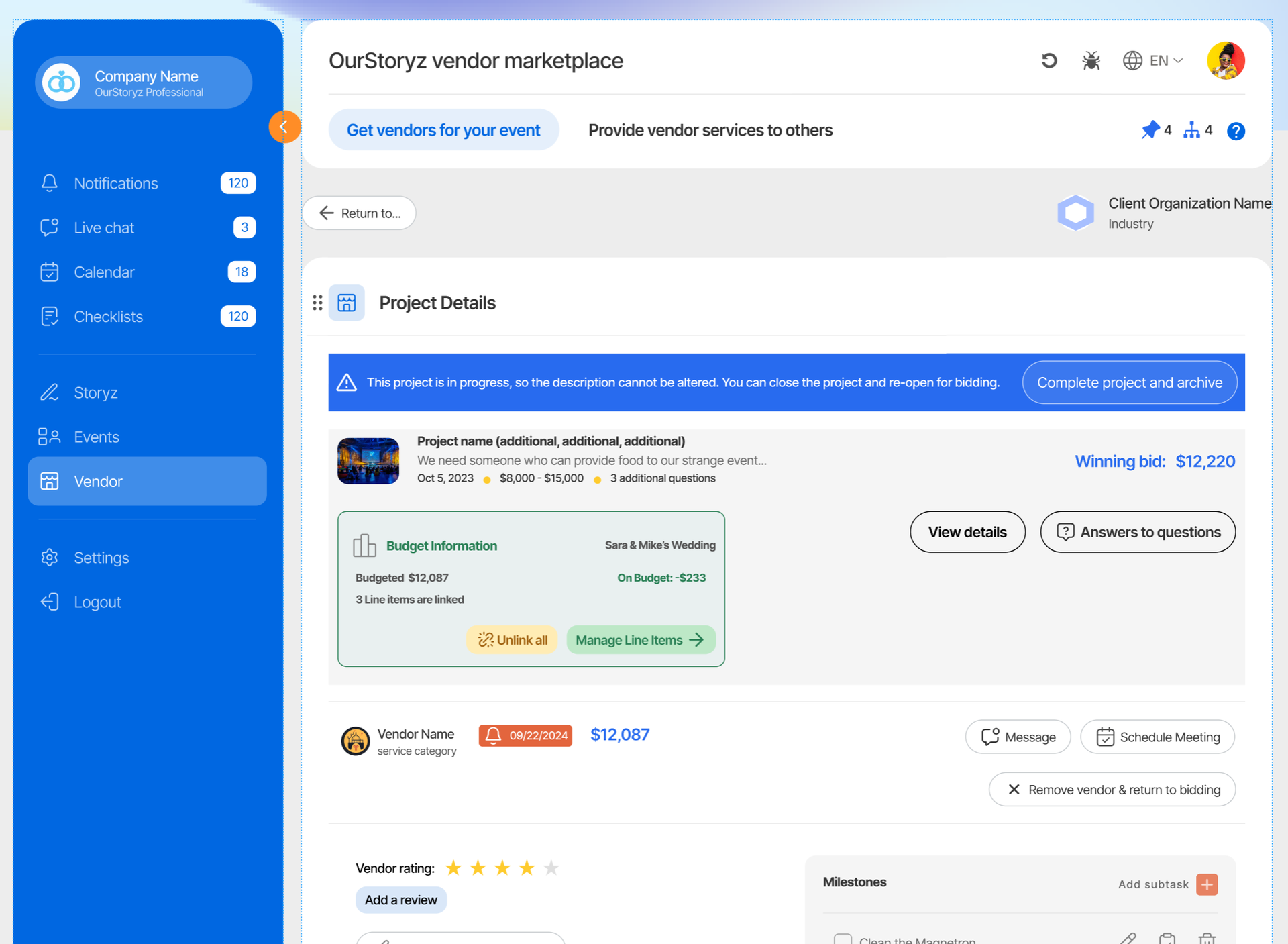
OurStoryz is flexible - you can associate a project with a single line item, or several.
- A venue operator might rent several rooms during an event. The event-planner could add line items for each room rented, and associate them with a single Vendor.
- Conversely, a single line item might have several Vendors contributing to it. A line item for an event meal might have separate Vendors for the main course and dessert.
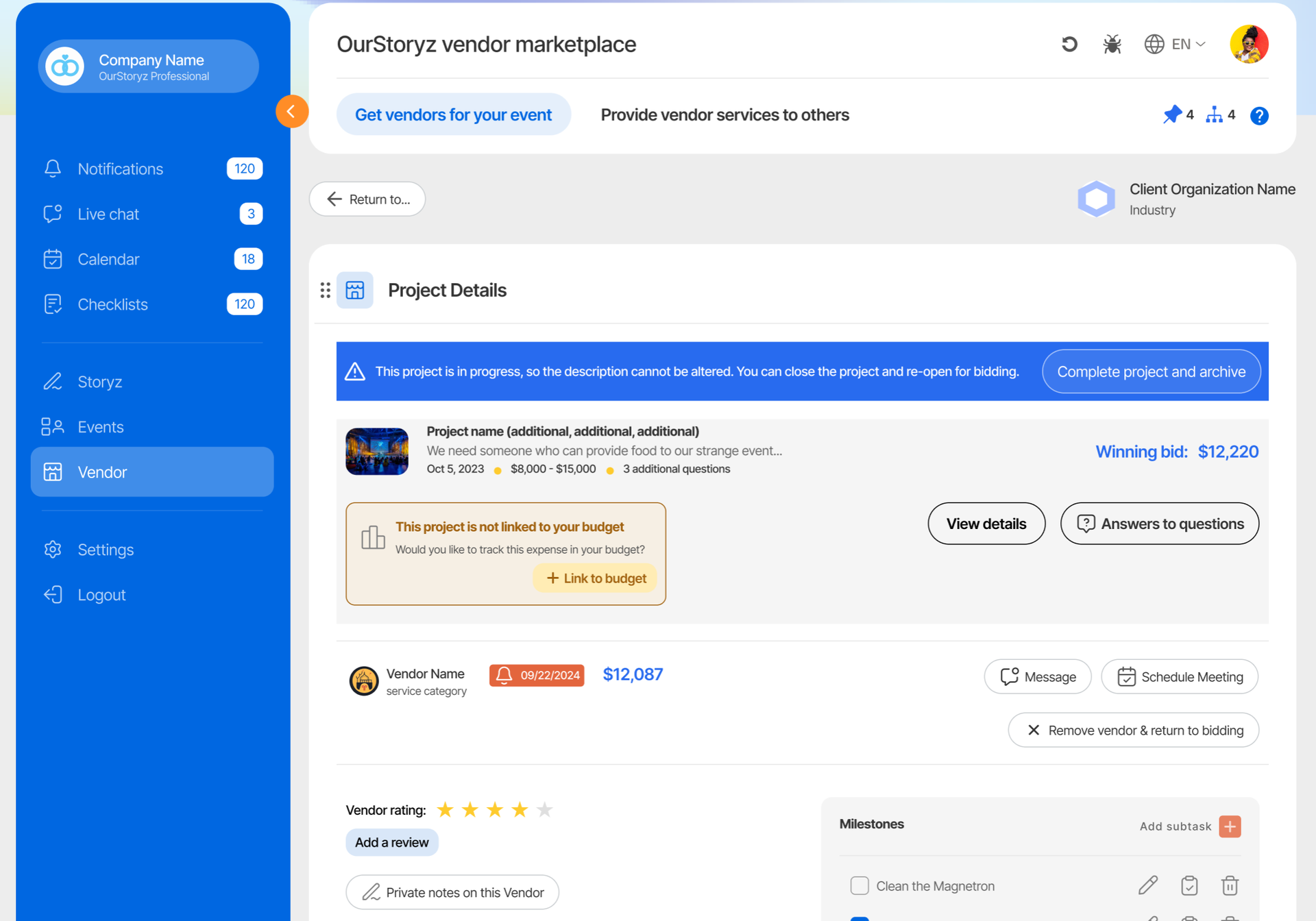
Projects that aren't linked to any budget have a button allowing them to be connected for the first time.
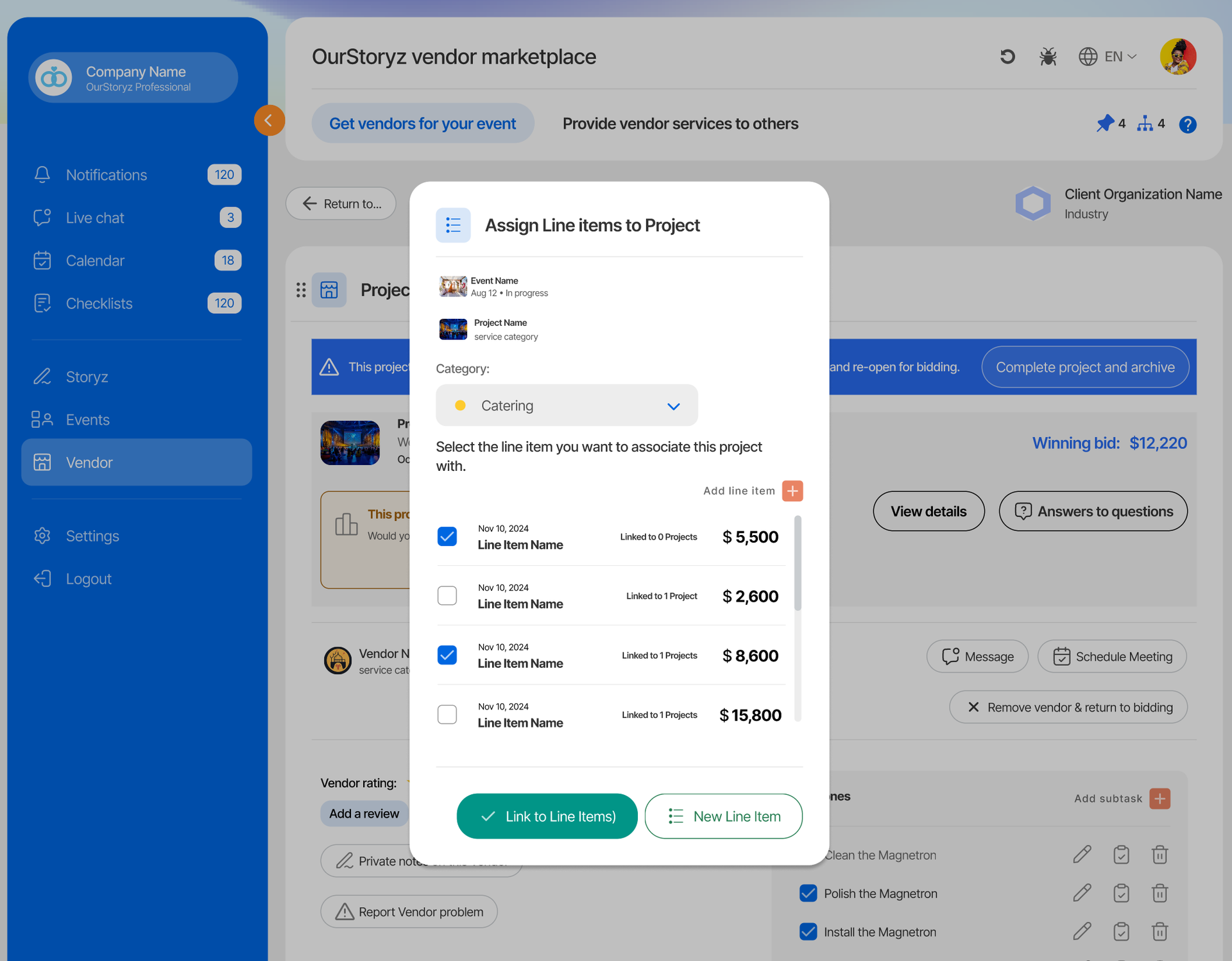
For subsequent line items, this button changes to "manage" - it takes the user into the line item
Linking out-of-network Vendors
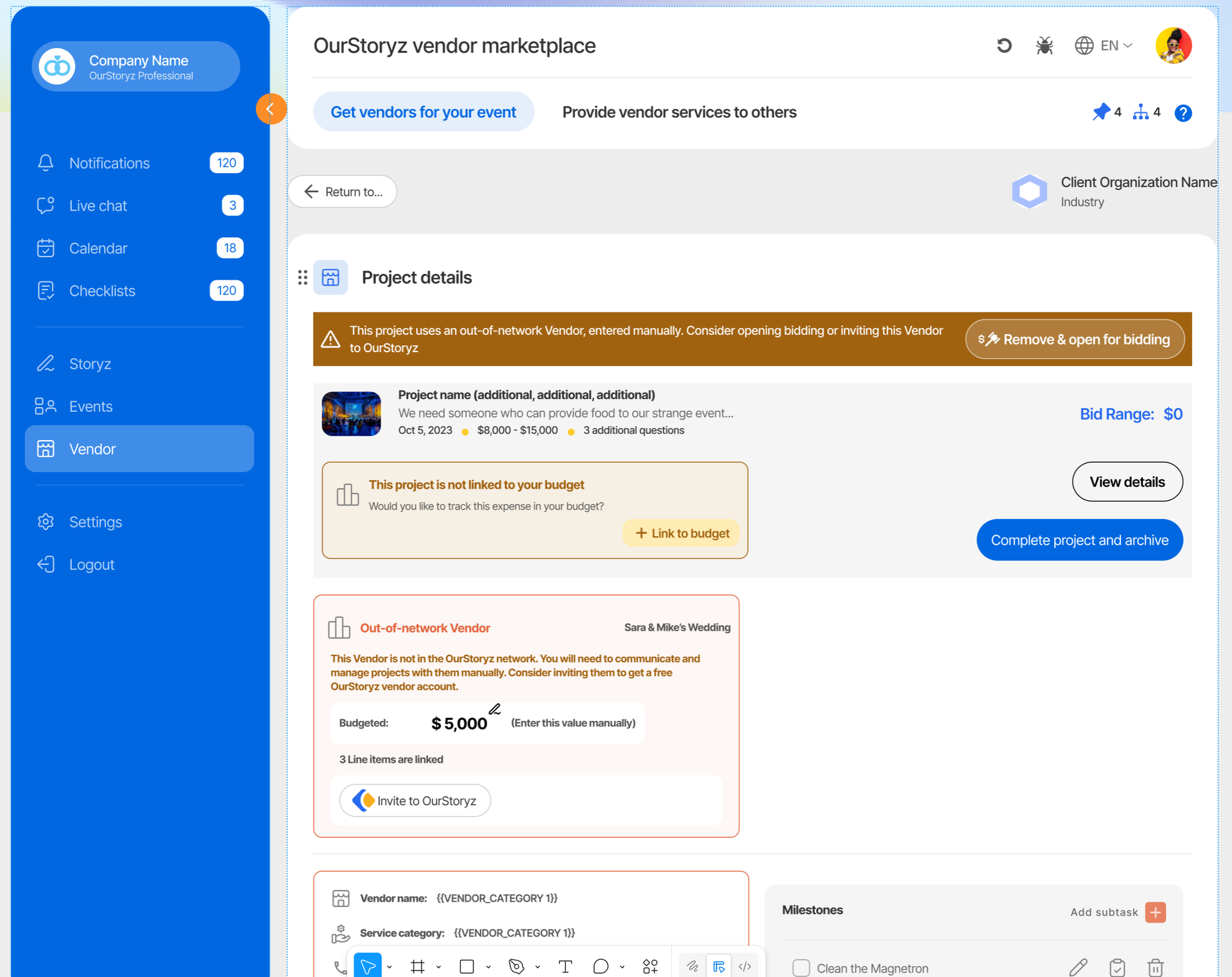
If a Vendor is not in OurStoryz, they can still be soft-linked to a project. OurStoryz allows event-planners to specify details for a Vendor who is not in the OurStoryz system, and associate them with a budget. In this case, the admin will need to manually enter project costs.