For Event Creators : Event Management : Budgeting : Categories & Line Items
In the Budget & Expenses systems, there are 3 areas where you will need to enter information:
Budget items - these are your estimated expenditures for different goods and services associated with your events.
Line Items - these record the actual expenses for different services and products associated with your events
Categories - these allow you to organize line items into groups of similar expenditures
Begin by Creating Categories
Unless your event is very small, you will need to sort your various expenses into categories. Categories are a way that you can organize your expenses (aka line items) into coherent groups.
For example, for a small wedding reception, you might create the following categories:
- Food & Beverage - catering, desserts, alcohol, service staff
- Venue - Venue fee, reservatrion, setup or cleanup services
- Rentals - tables, chairs, linens
- Attire - wedding dress, suites, alterations, accessories
- Entertainment - DJ or playlist, Sound system, Live musicians
- Decor & Flowers - bouquets, centerpieces, candles, table decor, signs
- Invitations - printed invites or save-the-date, RSVP cards, day-of programs
- Officiant - marriage license, officiant fee
- Transportation - couple transportation, out-of-town guests
- Planning - a day-of coordinator
Event & Category Budgets
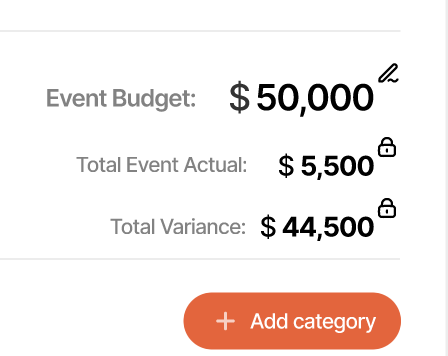
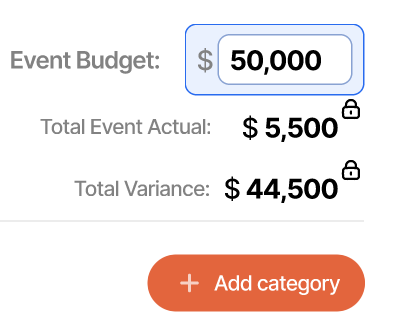
Next, estimate your approximate cost for the overall event. In the example above, you might estimate around $10,000 US. Add this number to your event budget by selecting the budtet, and adjusting as needed.
|
|
Now, edit the individual categories for an approximate spend.
|
|
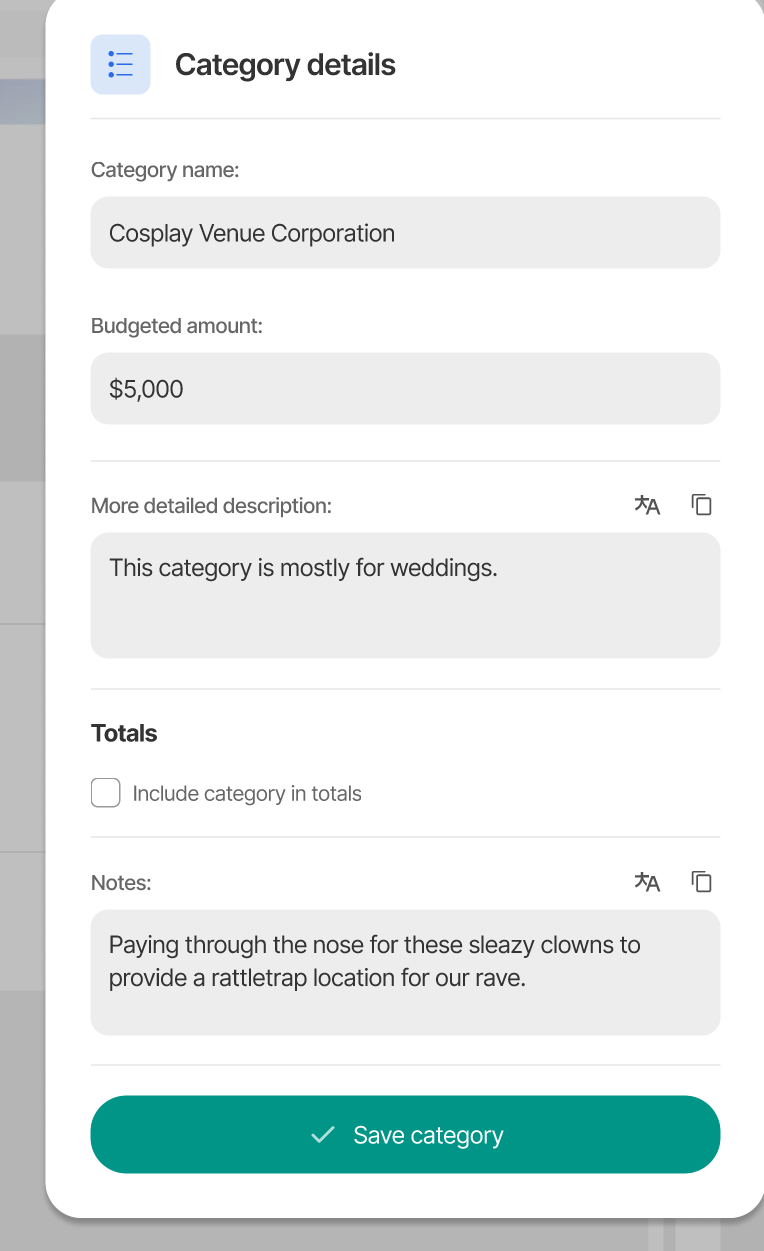
Editing Line Items
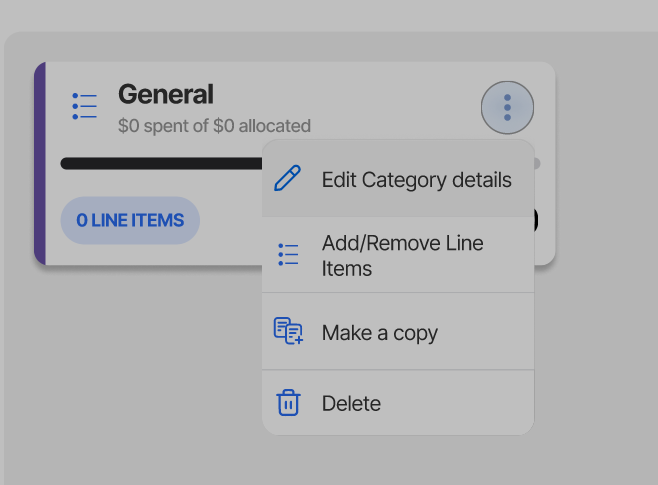
Once you have your categories set up, you are ready to enter individual expenses, or line items. Go to a category you defined and select the ellipsis menu:

Selecting Add/Remove Line Items will take you to the line items screen.
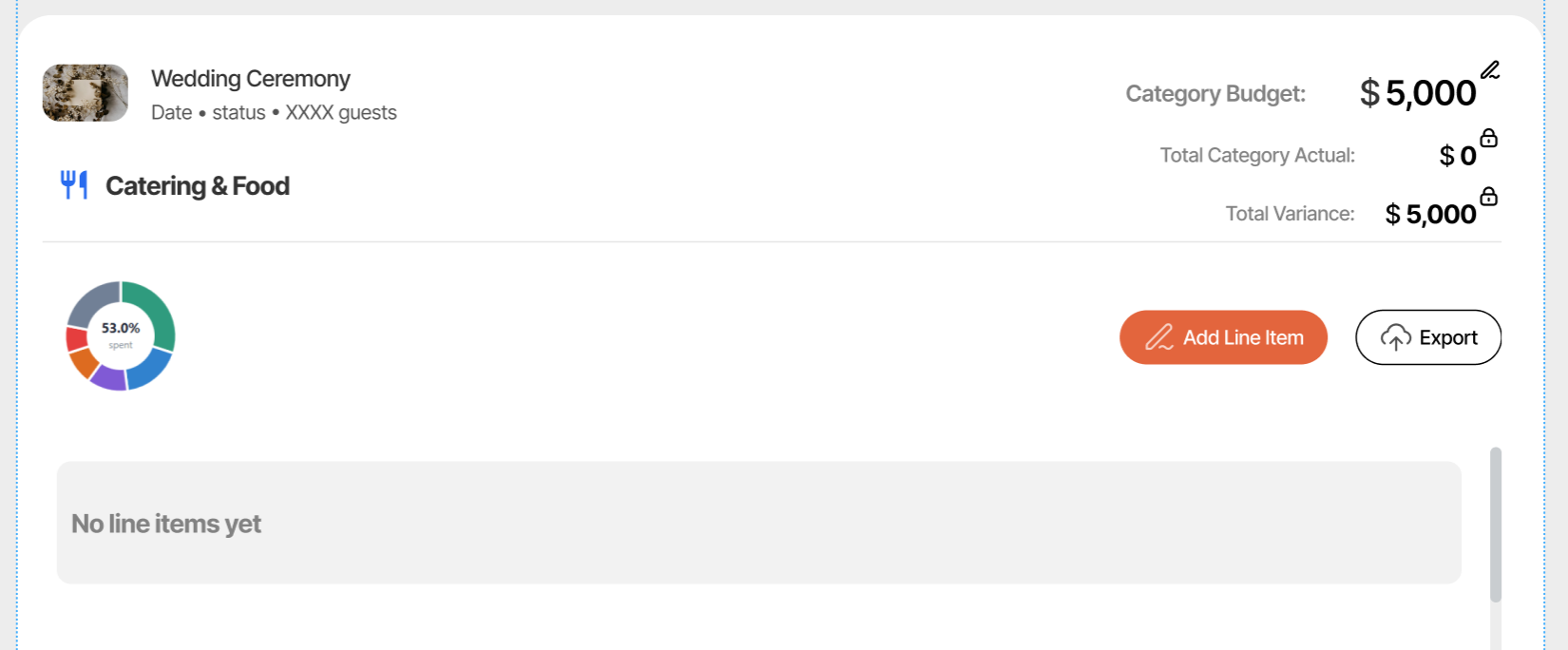
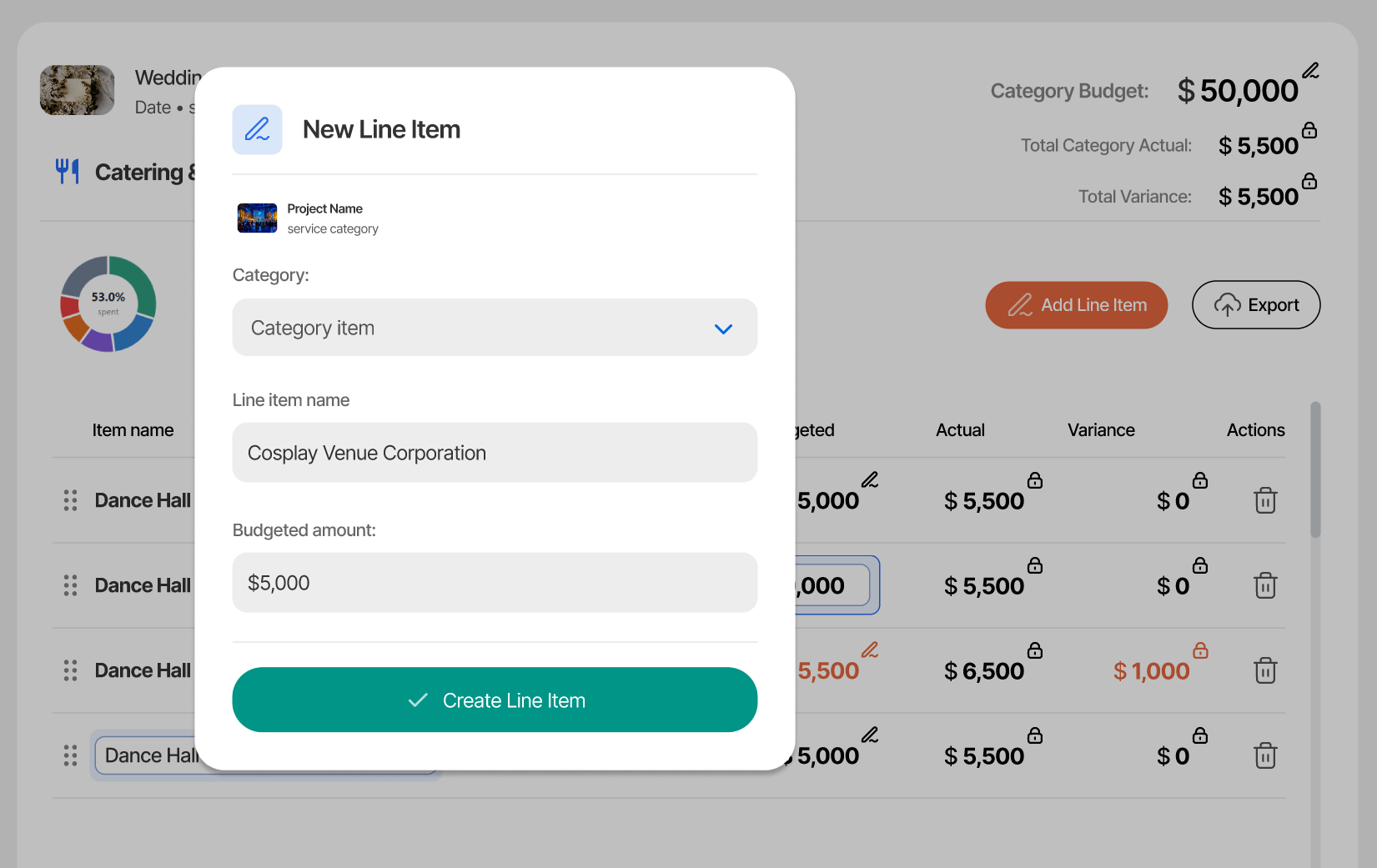
Select "Add Line Item" to add a new Line Item to the category:
After a line item has been added, the values may be edited in-place. The screen below shows a line item with its "budgeted" value being edited.
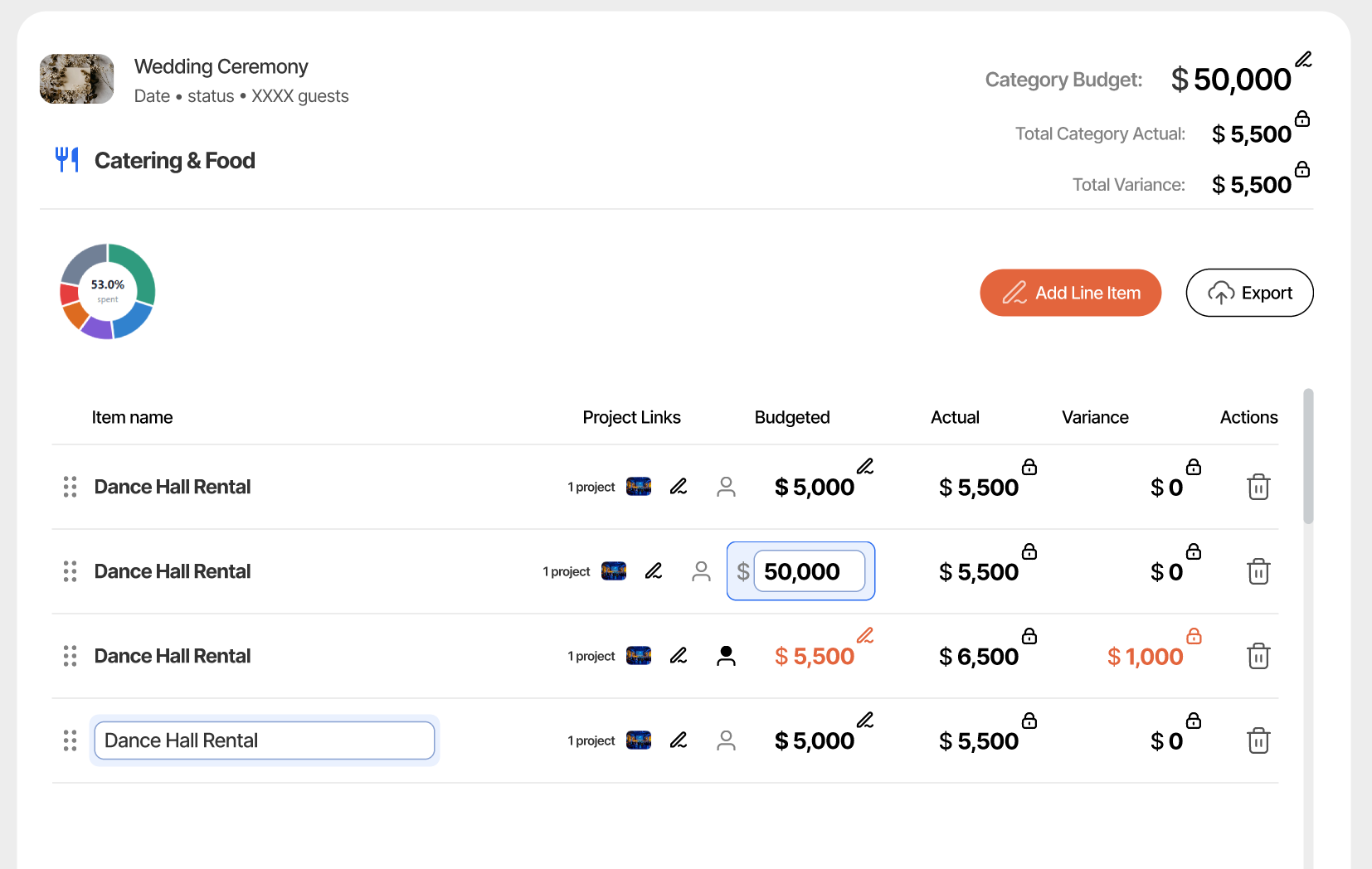
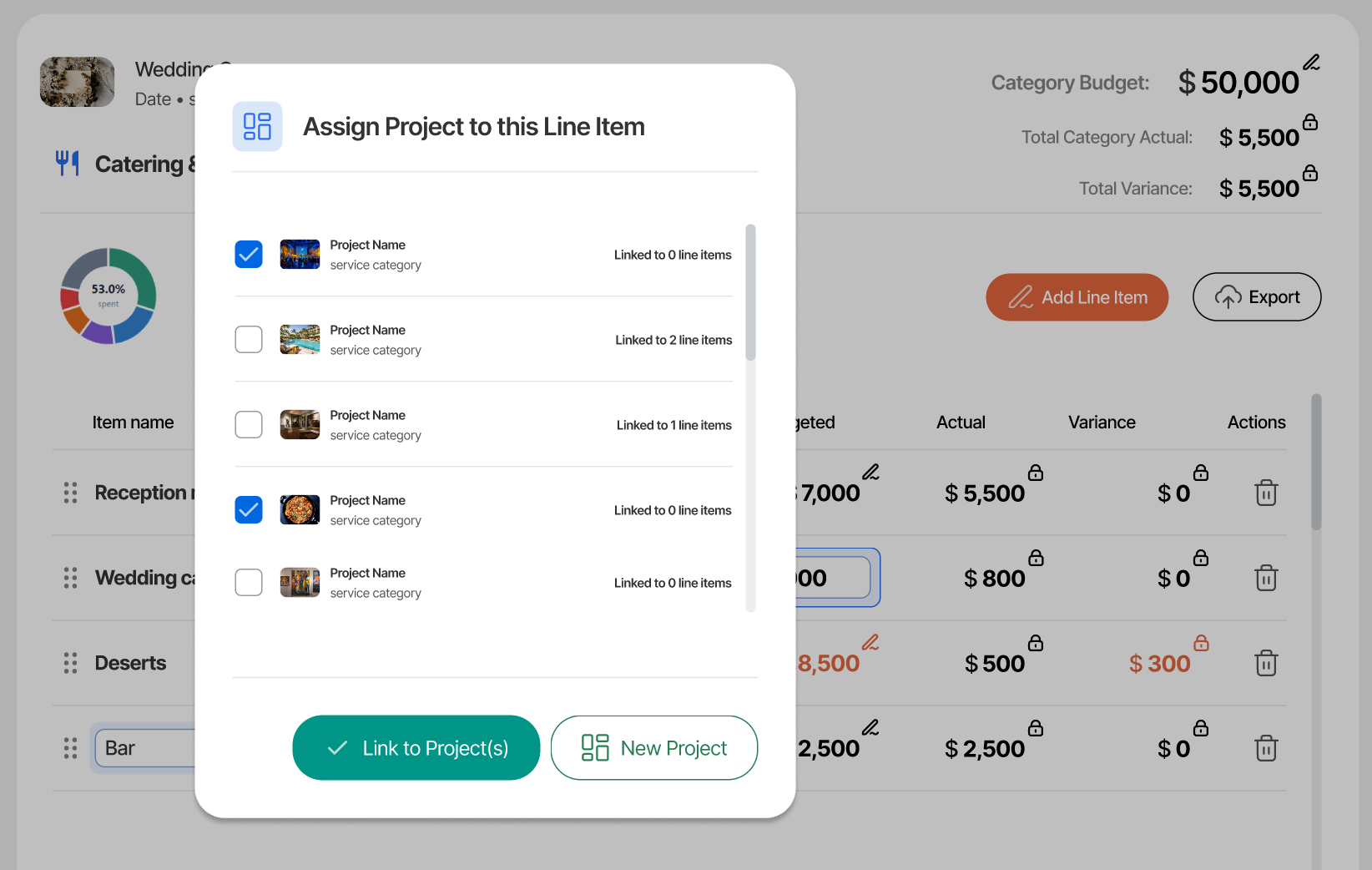
Line items can be associated with 1 or more Vendor Projects